Mardo - a markdown browser and authoring app
Building a web browser and authoring tool for the web of markdown.

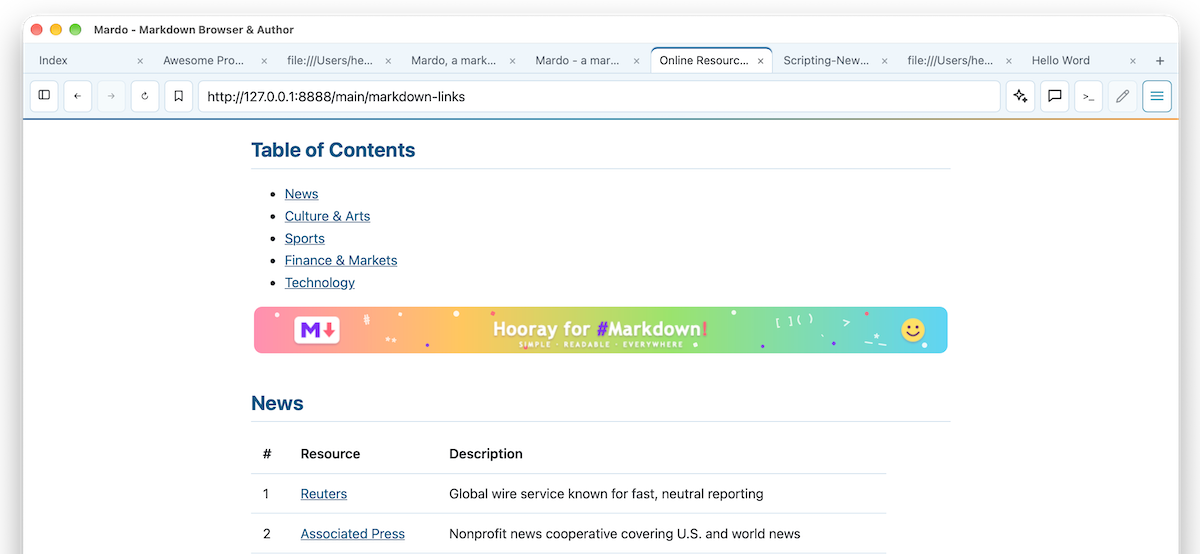
I never thought I would build a browser, but I was inspired by Dave Winer on Scripting News. He introduced the Big Undo and wrote about the power of markdown and how it can replace HTML (Web of Markdown) for blogging, posting, and writing in general.
These ideas reminded me of Gopherspace, a collection of content served over Gopher. Gopher organizes documents into hierarchical menus of plain text files, directories and search results, and it predates the World Wide Web by a few years.
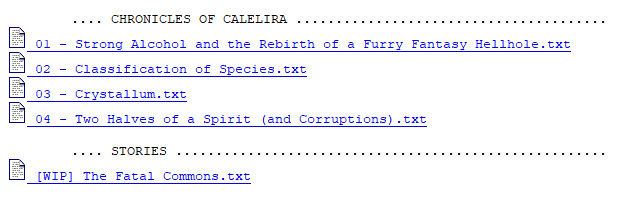
A Classic Gopher menu
With markdown we have more control over linking and styling, and we can include images, all over standard http(s), as opposed to the fixed menus of the Gopher protocol.
That got me thinking about creating Mardo (Markdown). It started as a simple browser that could navigate between markdown documents on the web, but once I got going I got creative and added a whole bunch of features.
Features
Browser features
- Open and navigate markdown documents over http(s)
- Follow links between markdown documents
- Back and forward navigation through browsing history
- Render images and standard markdown styling inline
- Tabs that persist across sessions
- Reload a document to pick up changes
- Look for a markdown version (
.mdorllms.txt) of ordinary web pages and show that instead, with an option to turn it off

Bookmark features
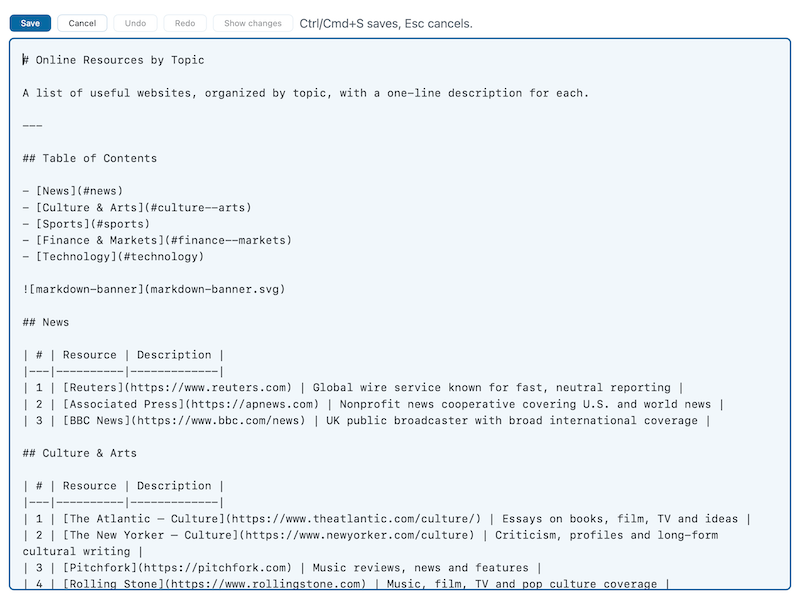
- Save any document as a bookmark
- Organize bookmarks into folders
- Search bookmarks by title or address
- Import and export bookmarks (HTML and markdown)
- Pluggable bookmark storage, with local storage available out of the box and LinkaGoGo, the online bookmark manager, as an option
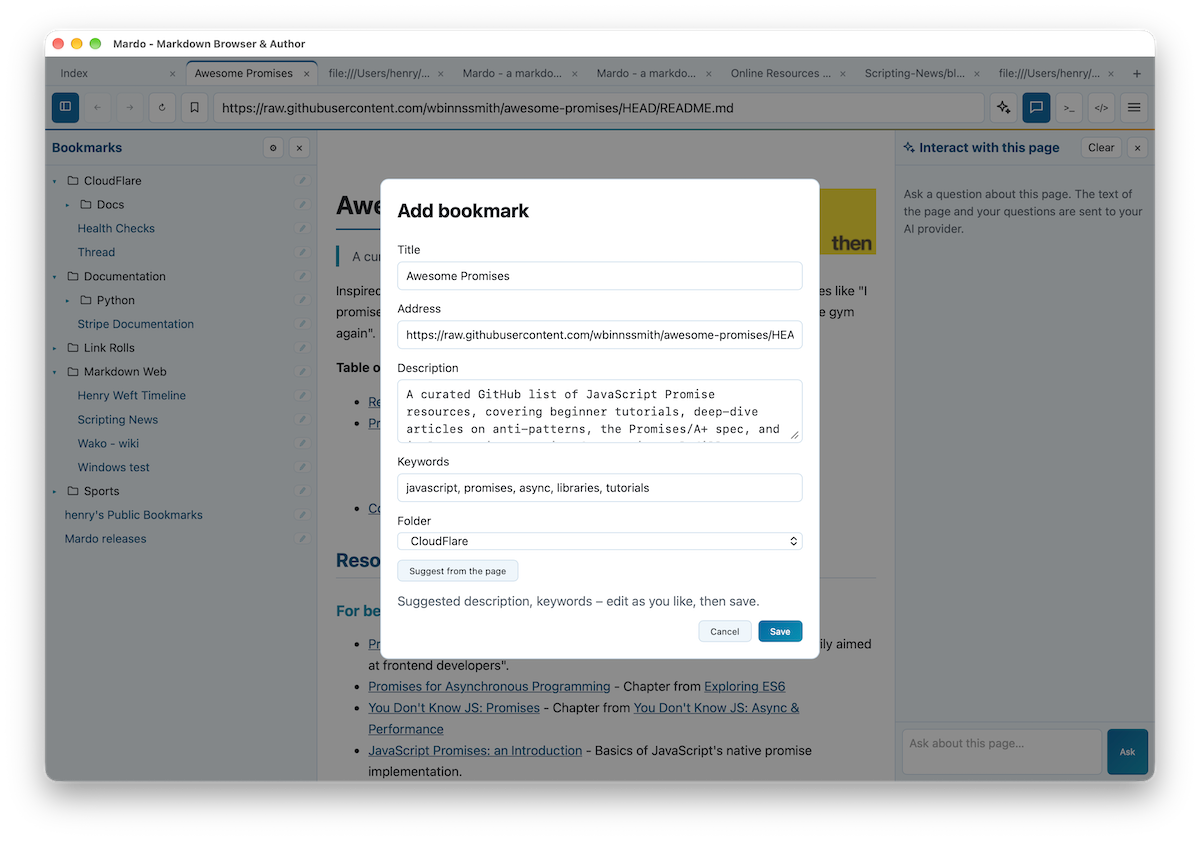
Editing features
- Click the pencil to edit the markdown source of the current document, when it is a local file or the server allows saving
- Create a new page, which only goes to disk when you save it
- Review your changes line by line with Show changes before saving
- Many levels of undo and redo
- Save edits to a local file or back to the server
AI integration features
- Summarize the current document, or get an outline or a translation
- Explain or simplify a selected passage
- Compare open tabs and get a digest of a feed
- Ask questions about the content of a document
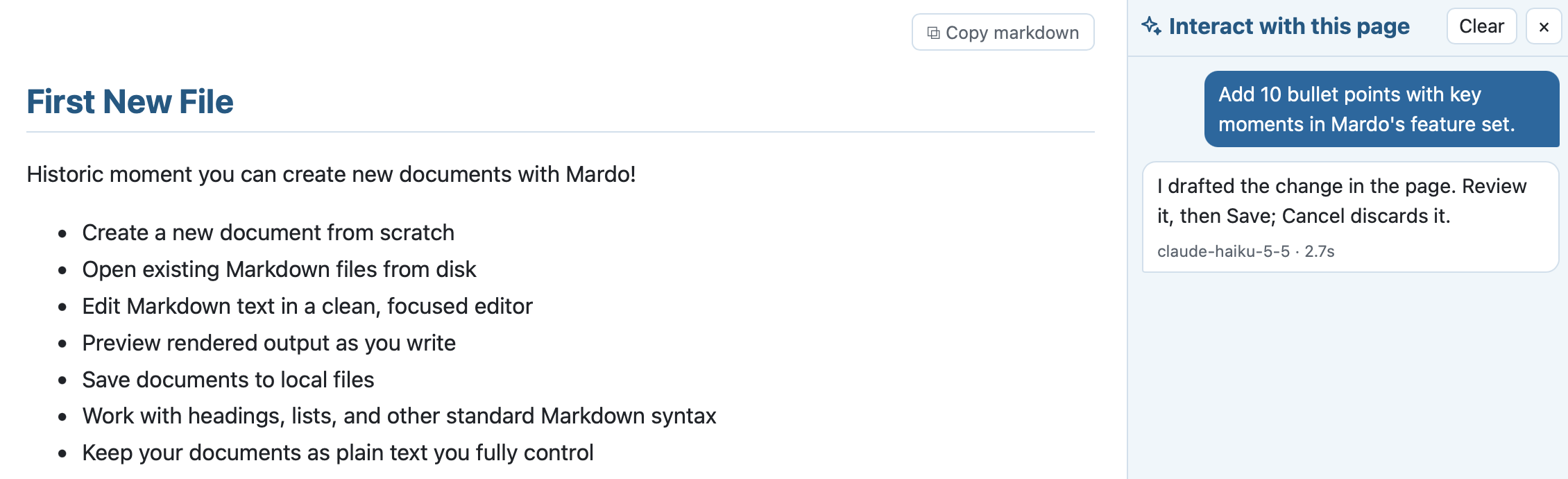
- Describe a change to a page you are editing: the AI drafts it, you review the changes and decide whether to save.
Desktop application
Developing a desktop application was new for me. I have built lots of server apps, web apps and some phone apps over the years, but as far as I can remember I had never built a desktop app.
With the help of Claude I came up with a Go-based executable that runs on Mac, Linux and Windows. The application uses Wails v2, which hosts a system webview running vanilla JavaScript.
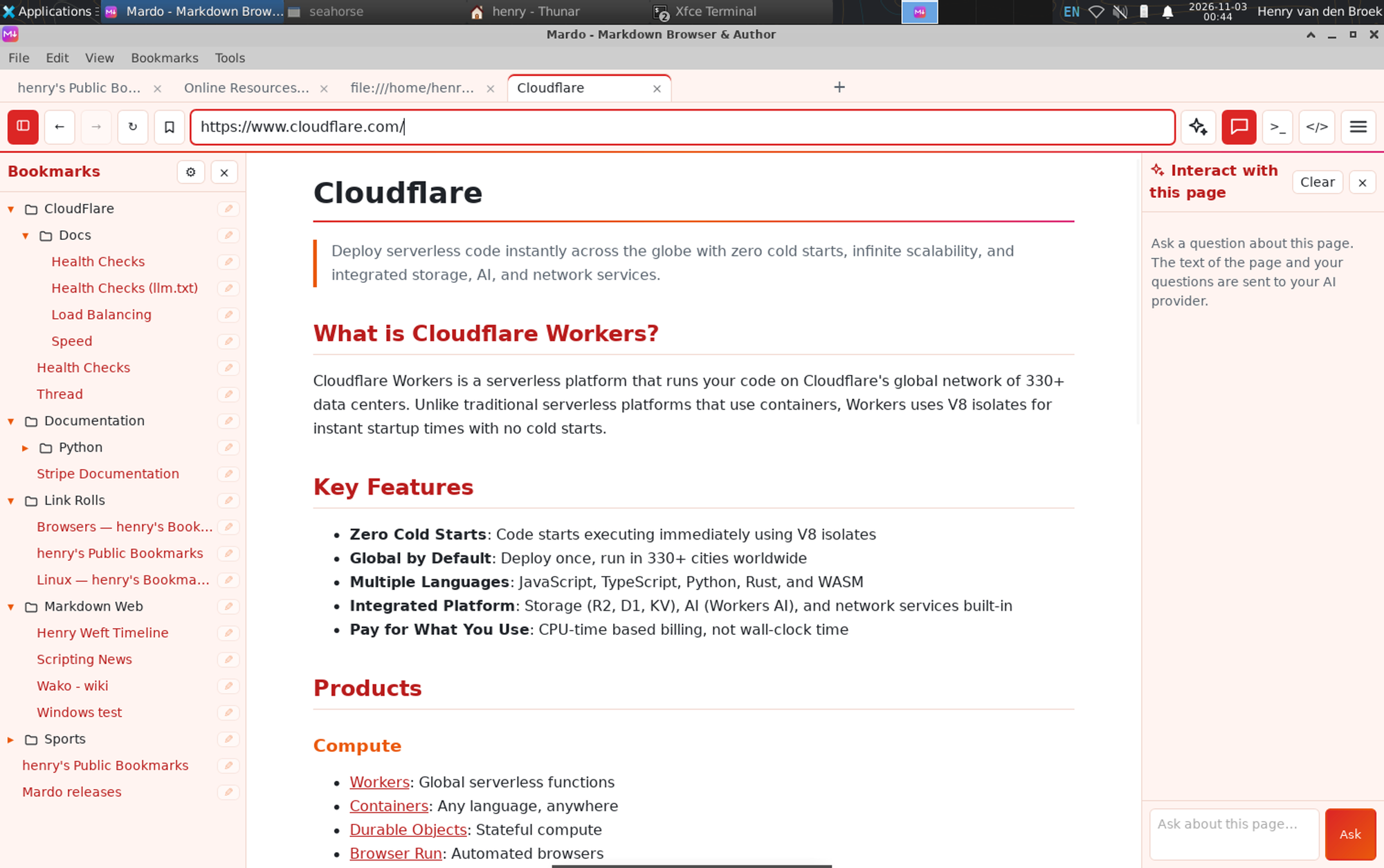
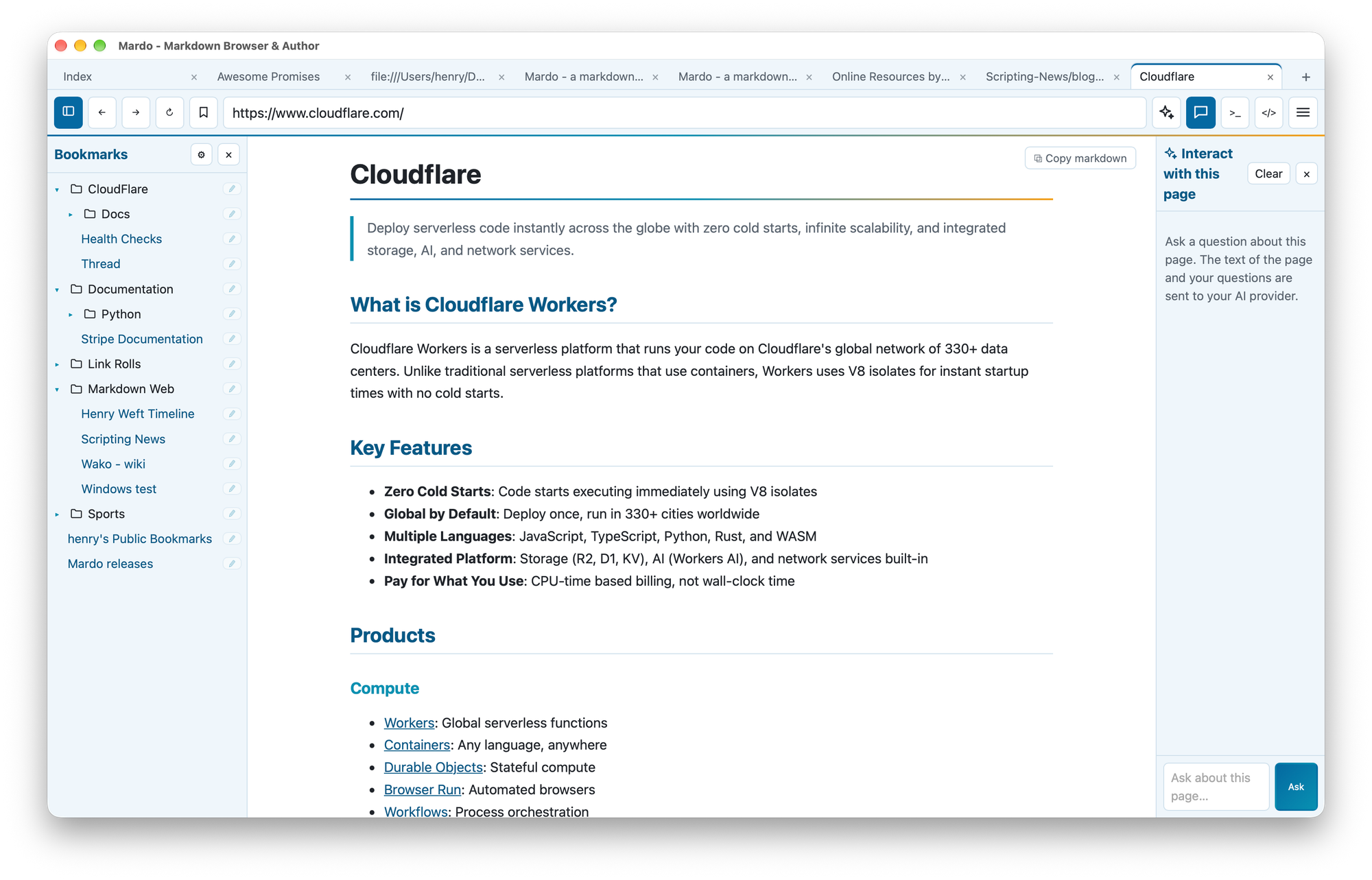
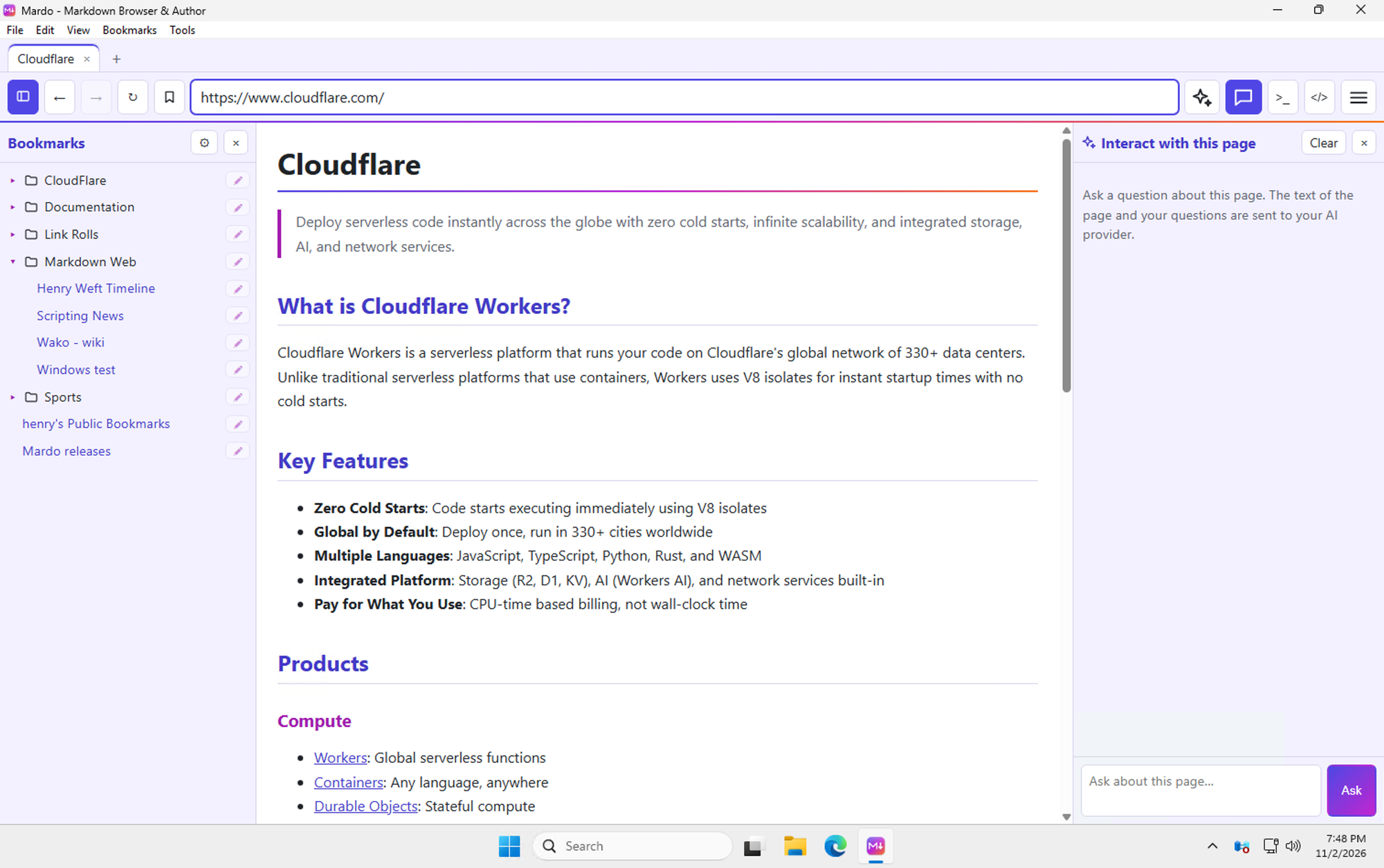
Mardo on Linux, Mac, and Windows
Unlike Linux, both Mac and Windows expect signed applications, which requires a developer subscription. I already have an Apple developer subscription, but not one for Windows, so Windows users will have to click away the unverified-publisher warning.
How to get it?
The source code is hosted on GitHub in a public repository:
- Mardo repository
- Mardo releases (Mac, Linux, Windows)
In control of my browser
The great thing about building your own browser is that you can make it exactly to your liking. Hence the bookmark integration with LinkaGoGo and the heavy AI integration.
Tell me what you think at
 Henry van den Broek